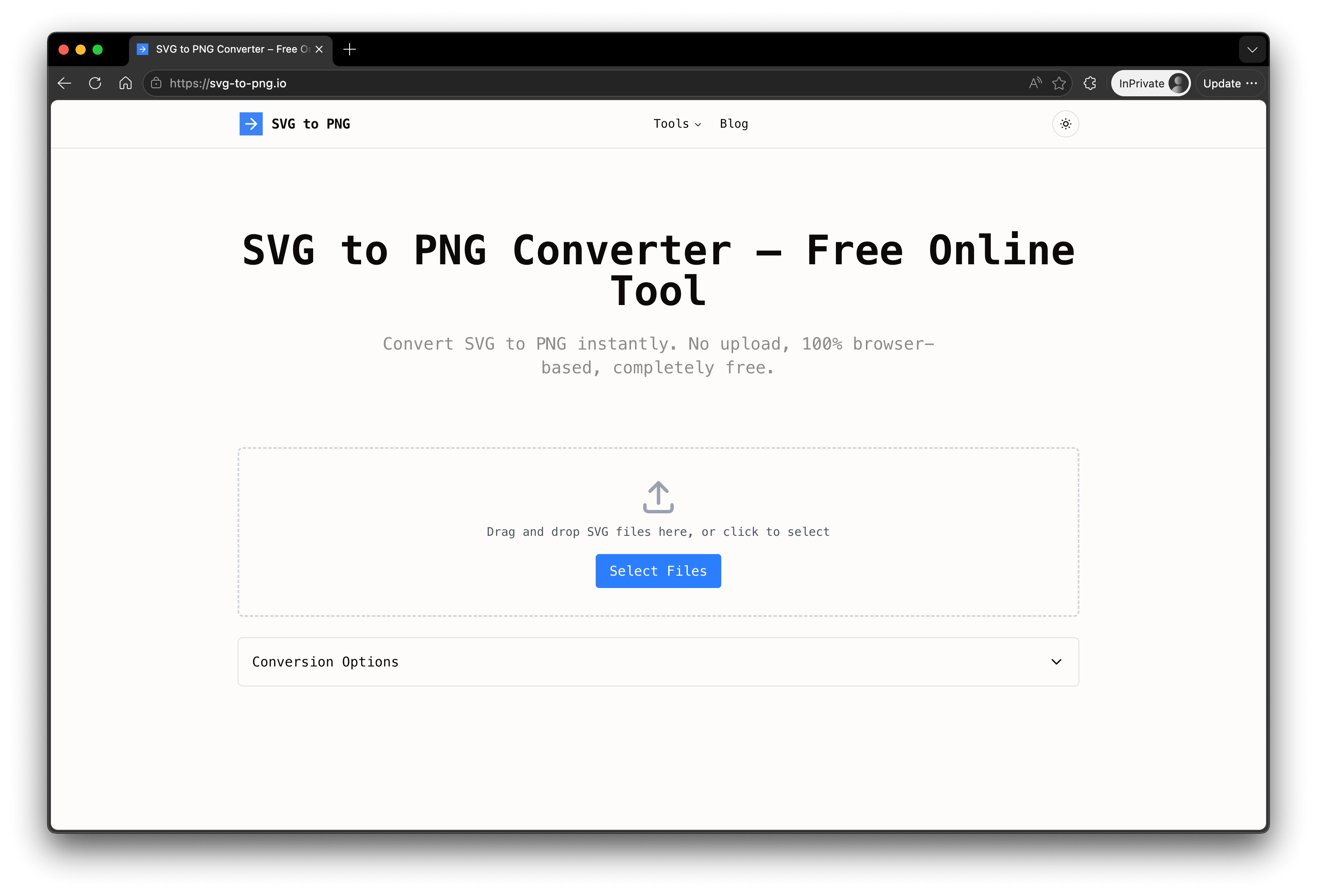
SVG to PNG (https://svg-to-png.io/) is a free, browser-based image conversion tool that lets you turn SVG vector files into high-quality PNG images instantly. Unlike most online converters that require you to upload your files to a remote server, SVG to PNG performs every conversion locally inside your own browser. Powered by WebAssembly, your files never leave your device — which means there is no waiting for uploads, no risk of your images being stored or leaked, and complete privacy from start to finish. It's the ideal solution for anyone who values speed and data security.
Getting started takes seconds. There is no sign-up, no login, no email, and no software to install. Simply drag and drop your SVG files onto the page, adjust a few optional settings, and download your PNG images. Every conversion is completely free, with no watermarks added to your output and no hidden usage limits designed to push you toward a paid plan.
Despite being free, SVG to PNG comes packed with the features that designers and developers actually need. You can convert up to 20 files at once with batch processing, saving valuable time when working on large icon sets or design systems. Flexible scale options (1x, 2x, and 4x) let you export crisp, high-resolution PNGs suitable for retina displays, print, or app assets. You also get full control over background transparency — keep your PNGs transparent or apply a solid background — along with adjustable quality settings to balance file size against visual fidelity. Whether you're preparing website graphics, app icons, social media assets, or print-ready artwork, the tool produces clean, pixel-perfect results every time.
SVG to PNG is more than a one-way converter. The platform includes a growing suite of complementary image tools, all running in the same fast, private, browser-based environment. These include PNG to SVG (vectorization), JPG to PNG, WebP to PNG, and an SVG Compressor that reduces file size without sacrificing quality. This makes the site a convenient one-stop hub for everyday image format conversion tasks, so you don't need to bounce between different websites or juggle multiple bookmarks.
The tool works on any modern device and operating system — Windows, macOS, Linux, Chromebook, iOS, and Android — directly from your web browser. Because there's nothing to download or configure, it's equally suited to a professional designer working on a powerful desktop and a student quickly converting a graphic on a phone.
In summary, SVG to PNG combines the three qualities people want most in an online converter: it's genuinely free, it's fast thanks to local WebAssembly processing, and it's private because your files never get uploaded. Add batch conversion, high-resolution scaling, transparency control, and a full family of related image tools, and you have a reliable, privacy-first utility that designers, developers, marketers, and everyday users can trust for all their SVG and image conversion needs.