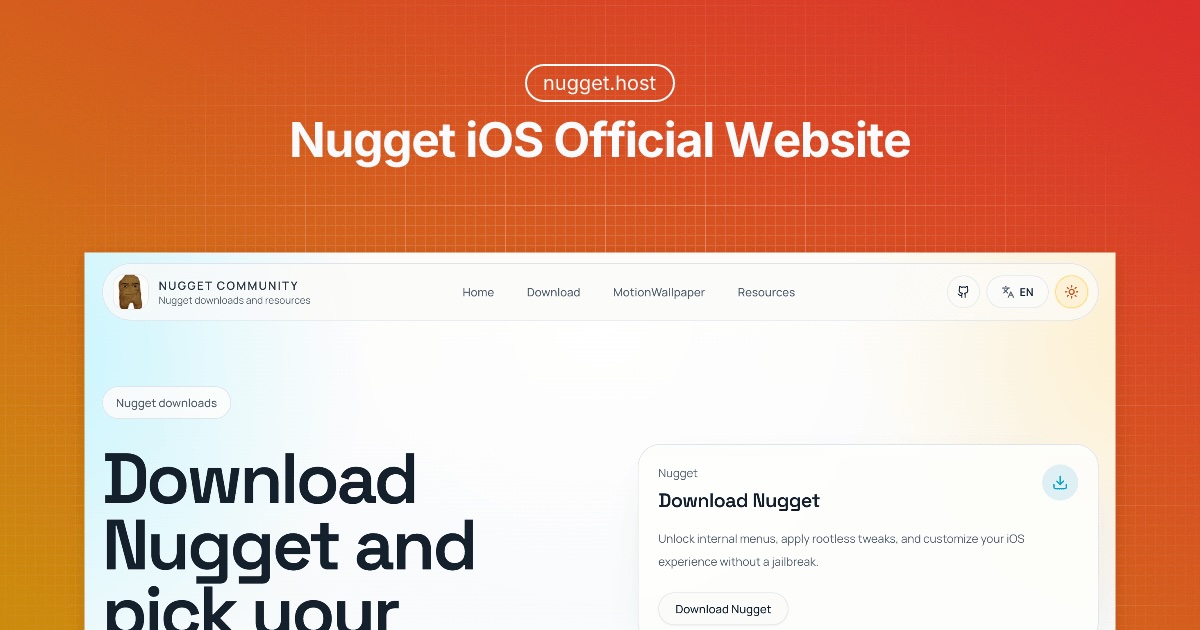
Nugget iOS is a desktop utility that enables iOS customization and internal menu access without jailbreaking, supporting devices running iOS 17.0 through 26.
What is Nugget iOS?
Nugget iOS is a PC application (Windows, Mac, Linux) that applies rootless tweaks and unlocks hidden features on iPhones and iPads running iOS 17.0 to 26. It lets users customize animated wallpapers, modify the status bar, enable Dynamic Island on any device, disable system daemons, and access internal menus—all without requiring a jailbreak. The tool communicates with the device over USB and is maintained by an independent developer (no corporate maker is listed on the site).
Key Features
- Dynamic Island on any device — Enable the Dynamic Island interface even on iPhones that lack the hardware cutout, making the software feature available across all supported models.
- Animated wallpaper support — Apply dynamic, moving wallpapers from a curated collection available on the Nugget Wallpapers page.
- Status bar customization — Modify the appearance of the status bar, including carrier text, signal bars, and other indicators.
- Daemon disabling — Turn off background system daemons to improve performance or battery life, with user-selected control.
- Internal menu access — Unlock hidden diagnostic and configuration menus normally restricted to Apple internal builds.
- No jailbreak required — All tweaks are applied via a rootless method that bypasses the need to jailbreak, preserving device warranty status (though modifying iOS may still void warranty).
Who is it for?
- iPhone power users — Individuals who want deep system customization (status bar, Dynamic Island) without the risks of jailbreaking.
- Tech enthusiasts — Users interested in exploring hidden iOS features and internal menus for curiosity or troubleshooting.
- Wallpaper creators — Designers looking to create or install animated wallpapers for iOS devices, using the Nugget Wallpaper marketplace.
- Beta testers — Users on iOS 17–26 betas who want to enable additional debug options or disable specific daemons during testing.
What can you do with Nugget iOS?
- Enable Dynamic Island on older iPhones — Turn your iPhone XR, 11, or other non-Island models into a Dynamic Island-capable device for a modern software experience.
- Customize the status bar for branding — Change carrier text or signal icons to personalize the lock screen or status bar for promotional or fun purposes.
- Disable background daemons for performance — Turn off services like analytics, OTA updates, or find-my-phone processes to free up system resources and extend battery life.
How does Nugget iOS work?
- Connect your iOS device to a PC (Windows, Mac, or Linux) via USB and launch the Nugget application. 2. Disable Find My iPhone temporarily under Settings > [Your Name] > Find My to allow the tool to write changes. 3. Select tweaks from the interface (e.g., enable Dynamic Island, choose a wallpaper, modify status bar). 4. Apply the changes; the device may reboot. After reboot, the customizations are active.
FAQ
Does Nugget require a jailbreak?
No, Nugget works without jailbreaking. It uses a rootless method that does not modify the system partition, making it less invasive than traditional jailbreaks.
What iOS versions are supported?
Nugget supports iOS 17.0 through iOS 26. It is compatible with all devices that can run these versions, including iPhones, iPads, and iPod touches.
Is Nugget safe to use?
Nugget is generally safe but involves modifying system settings. The developer recommends backing up your device before applying tweaks. Disabling Find My iPhone is required, and some tweaks may cause instability or void warranty if detected during repairs.
Do I need a computer to use Nugget?
Yes, you need a Windows, Mac, or Linux PC with a USB connection to your iOS device. The tool cannot run on the device itself.
Can I revert changes made by Nugget?
Some tweaks (like status bar modifications) can be reversed by reapplying default settings within Nugget. Others may require a full device restore via iTunes or Finder.