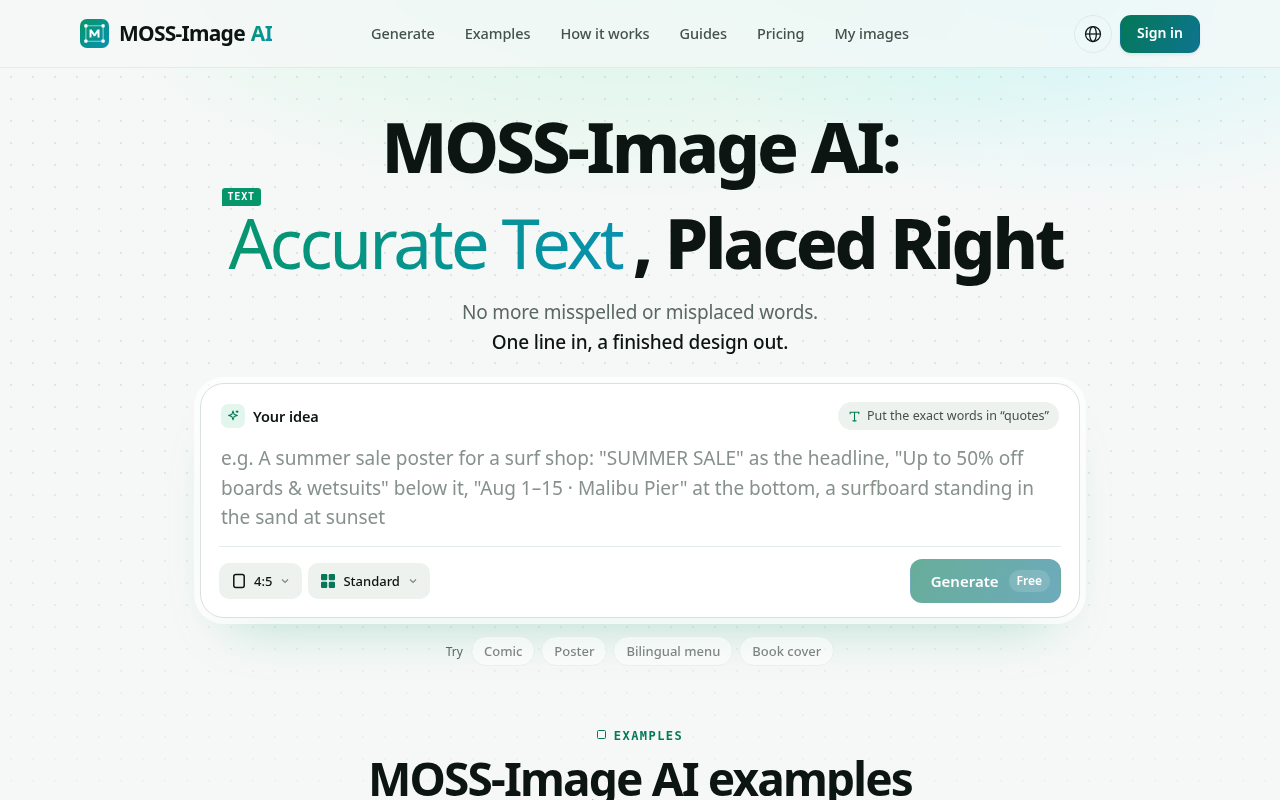
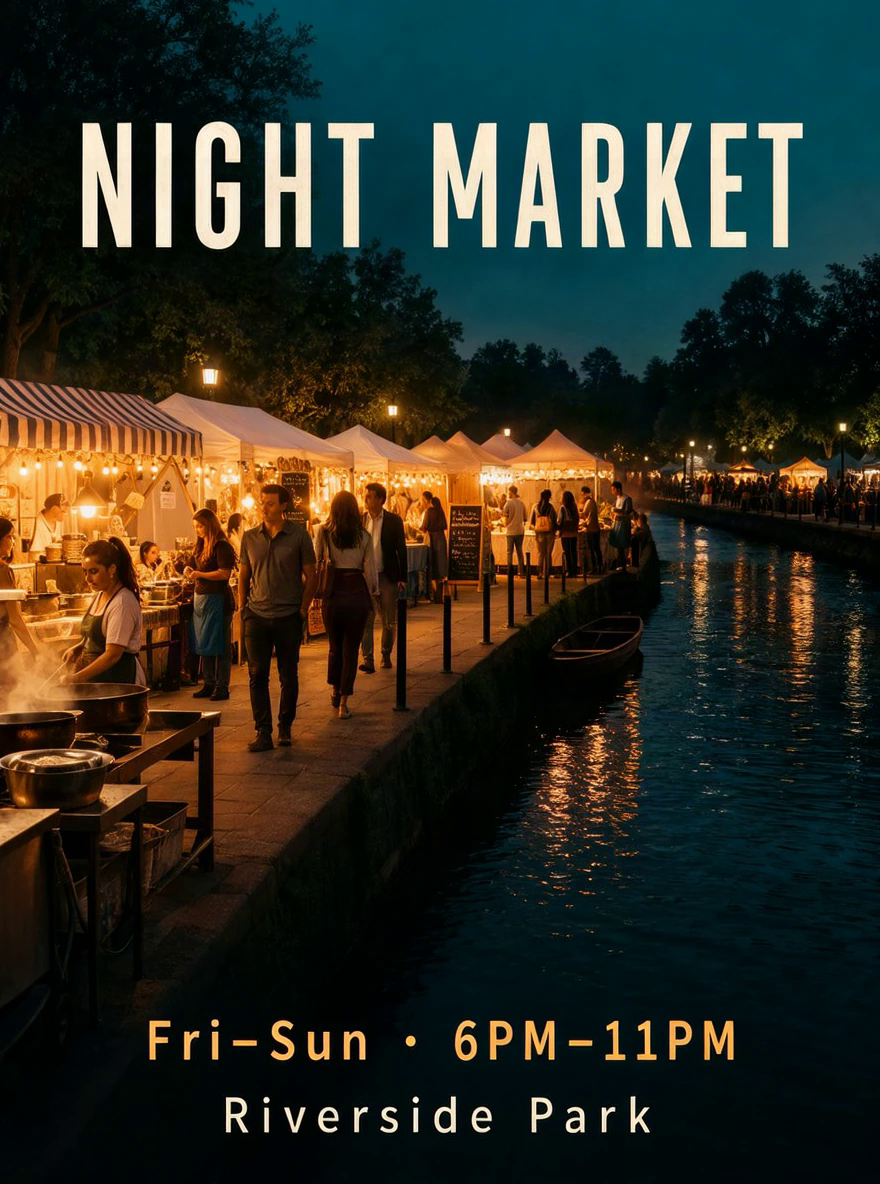
Most AI image generators are great at pictures and bad at words. Headlines come out misspelled, prices land in the wrong corner, and a bilingual menu turns into gibberish. MOSS-Image AI is built for the opposite job: designs where the text matters as much as the image.
You describe what you want in one line and put the exact words in quotes, for example a summer sale poster with "SUMMER SALE" as the headline and "Aug 1-15 · Malibu Pier" at the bottom. MOSS-Image AI returns a finished design with those words spelled the way you typed them.
Place every word where it belongs. Turn on layout mode and drag boxes onto the canvas to decide where the headline, the price or the logo goes. Each box becomes part of the instruction, so the result follows your layout instead of guessing. Saved layouts can be reopened later: move or resize a box and generate a new version.
Clear English and Chinese lettering. Bilingual signage, menus and packaging are a core use case, and Chinese characters and English words can sit side by side in the same image. Long prompts mean you can paste an entire menu, price list or event schedule and get it laid out in one design.
Edit text after generation. Spotted a typo or need to change a date? Change the text on an image you already made instead of starting over.
Photoreal or anime. The same text handling works for product shots, flat posters, book covers and manga-style comic panels.
What people make with it: real-estate and event posters, bilingual restaurant menus, coffee and product labels, cafe-opening flyers, course promos, book covers and multi-panel comics with speech bubbles.
Free to start: your first image is free with no sign-up, and verified accounts get 4 welcome credits. After that, one-time credit packs start at $6.99 with no subscription. It runs in the browser, with no GPU or install needed, in English and Chinese.