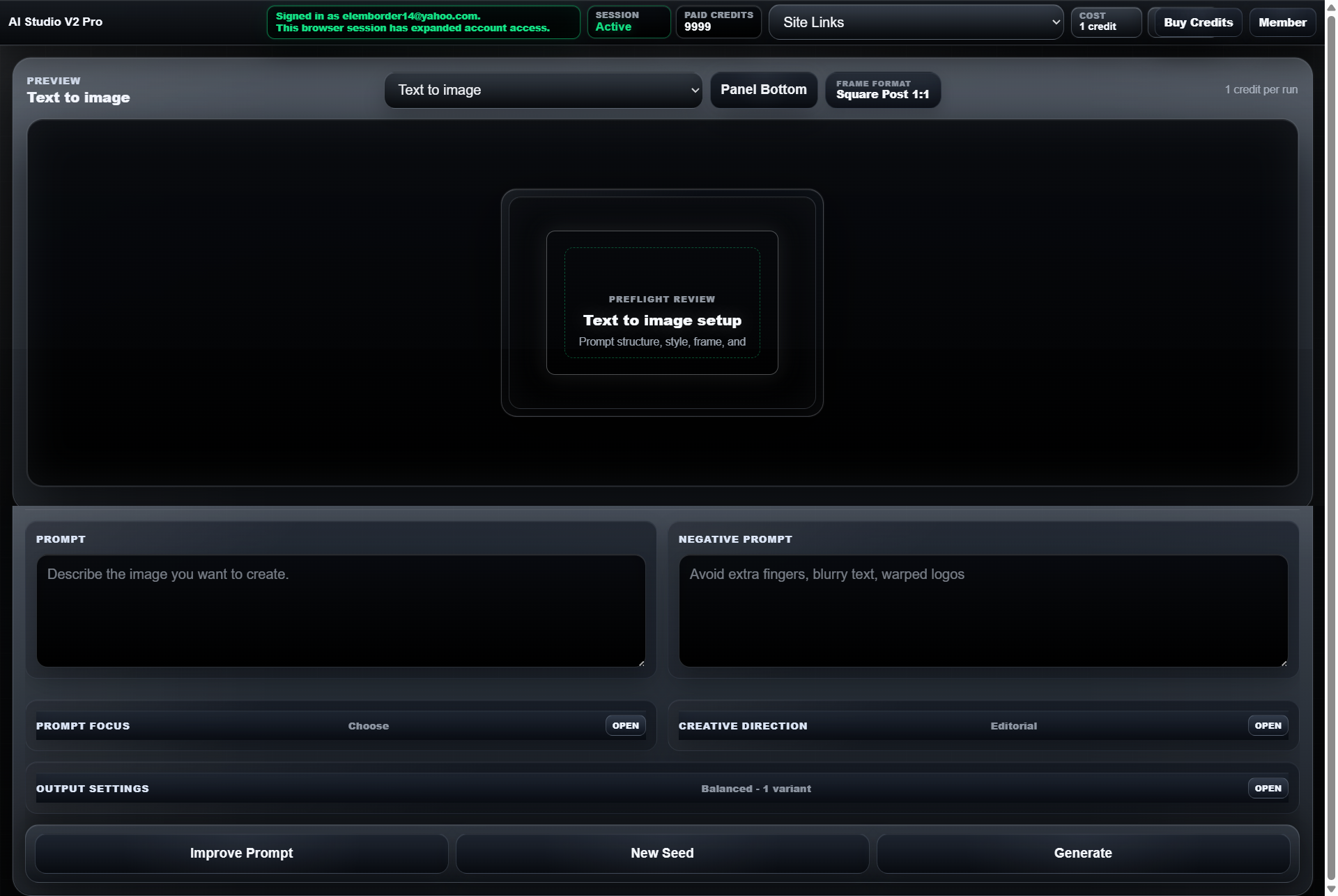
The MikeSullyTools Photo Enhancement Station (the AI Photo Studio) is a browser-based image-improvement tool for photographers, content creators, and anyone needing to clean up blurry, compressed, or low-detail photos for web and social media. There is nothing to install: you upload an image, pick a preset, fine-tune settings, and export the result.
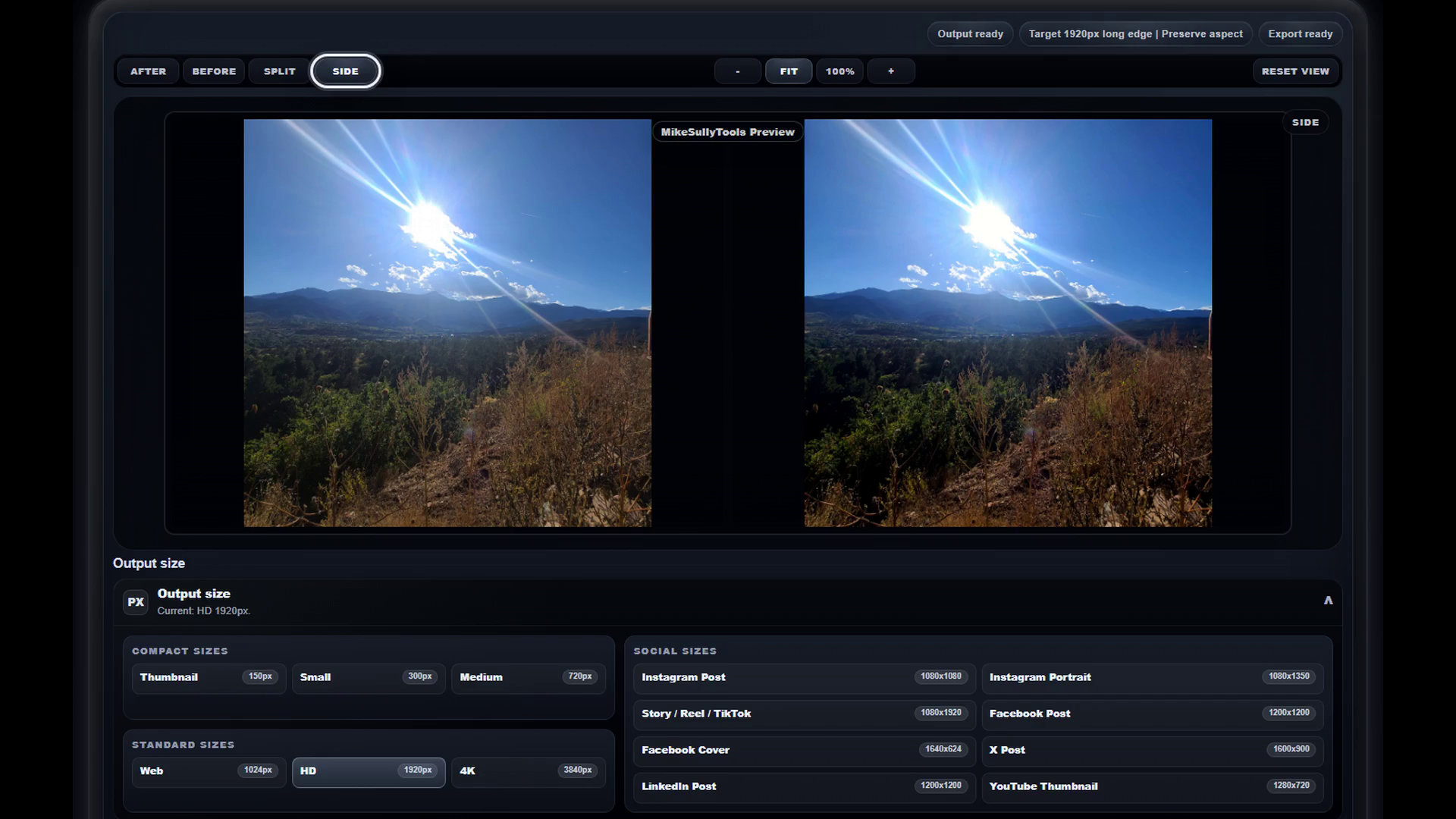
The workflow uses a split-view interface with controls on the left and a live preview on the right. Core modes are Enhance (the recommended default), Deblur for handheld blur and soft captures, Clean Up for noise and artifacts, and Upscale for enlarging while preserving quality. Beyond the presets it offers skin smoothing, object cleanup, background adjustment, rotation, and straightening, along with tonal controls such as exposure, highlights, shadows, and vibrance, plus detail controls for cleanup strength, sharpening, and compression cleanup.
On export, output sizes span from 150px thumbnails up to 4K (3840px), with ready-made dimensions for Instagram, TikTok, Facebook, and YouTube. Pricing is credit-based: a single enhancement costs $1, a ten-pack is $10, and an account is needed to restore purchased credits.
What makes the Photo Enhancement Station distinct is how much manual control it layers on top of one-click AI presets. Rather than only auto-fixing an image, it exposes granular tonal, detail, and transformation settings and platform-specific export sizing, so the same tool works for a quick fix or a more deliberate edit. Share on X