ListDiff — Tool Directory Submission Copy
Tagline
Free browser-based tools for comparing, cleaning, and converting lists — instant results, no sign-up.
Description
ListDiff is a free collection of 15 browser-based tools for anyone who works with lists and text data. Whether you're a developer, data analyst, SEO professional, or spreadsheet power user, ListDiff handles the tedious list operations that no single app does cleanly.
Everything runs instantly in your browser. There's no server, no sign-up, no file uploads to a third party. Paste your data and results appear immediately — compare two 10,000-line lists in milliseconds.
Key Tools
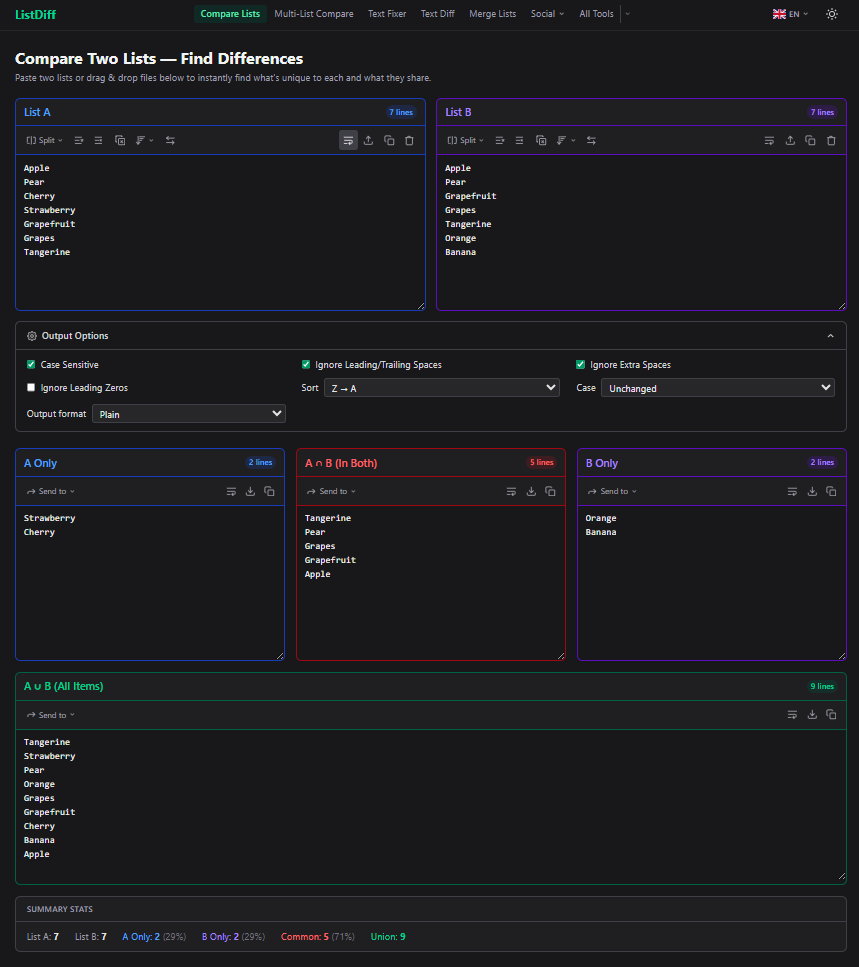
- Compare Two Lists — Find what's unique to each list, what they share (intersection), and their combined union. Handles case sensitivity, leading zeros, extra spaces, and invisible characters correctly.
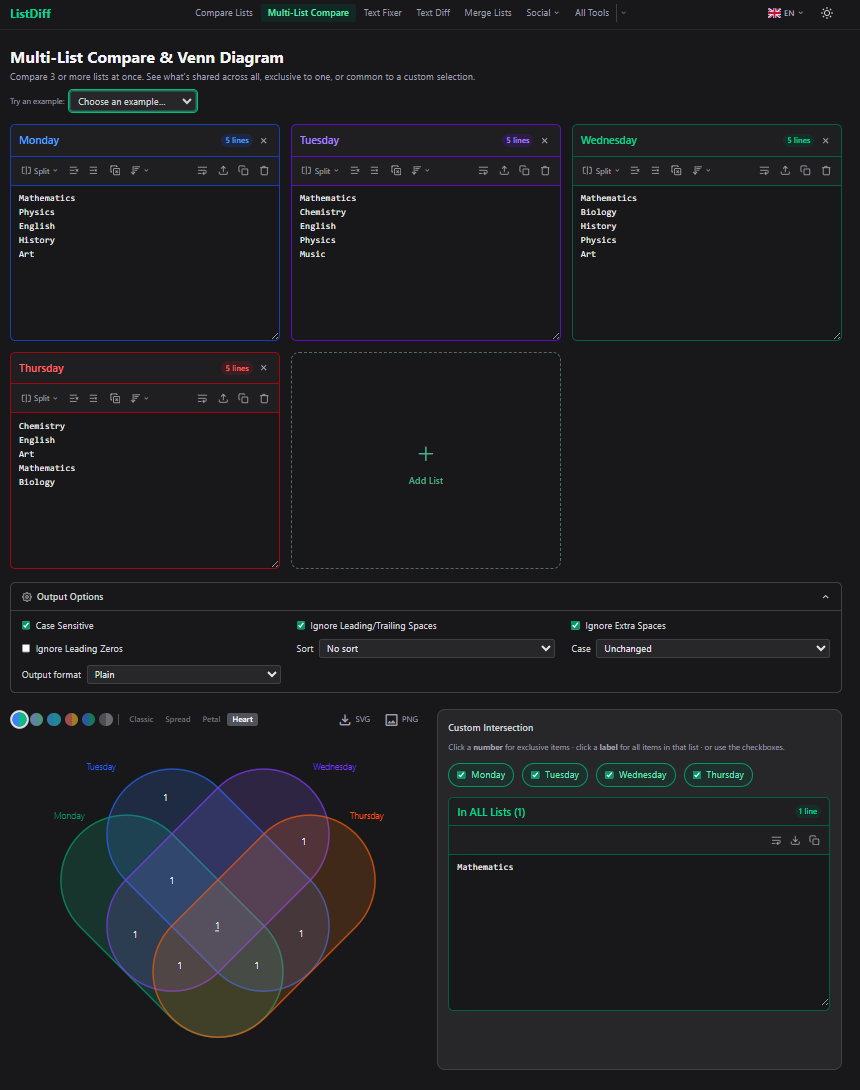
- Multi-List Compare — Set analysis across 3–8 lists with an interactive Venn diagram. Six colour themes. Export as SVG or PNG.
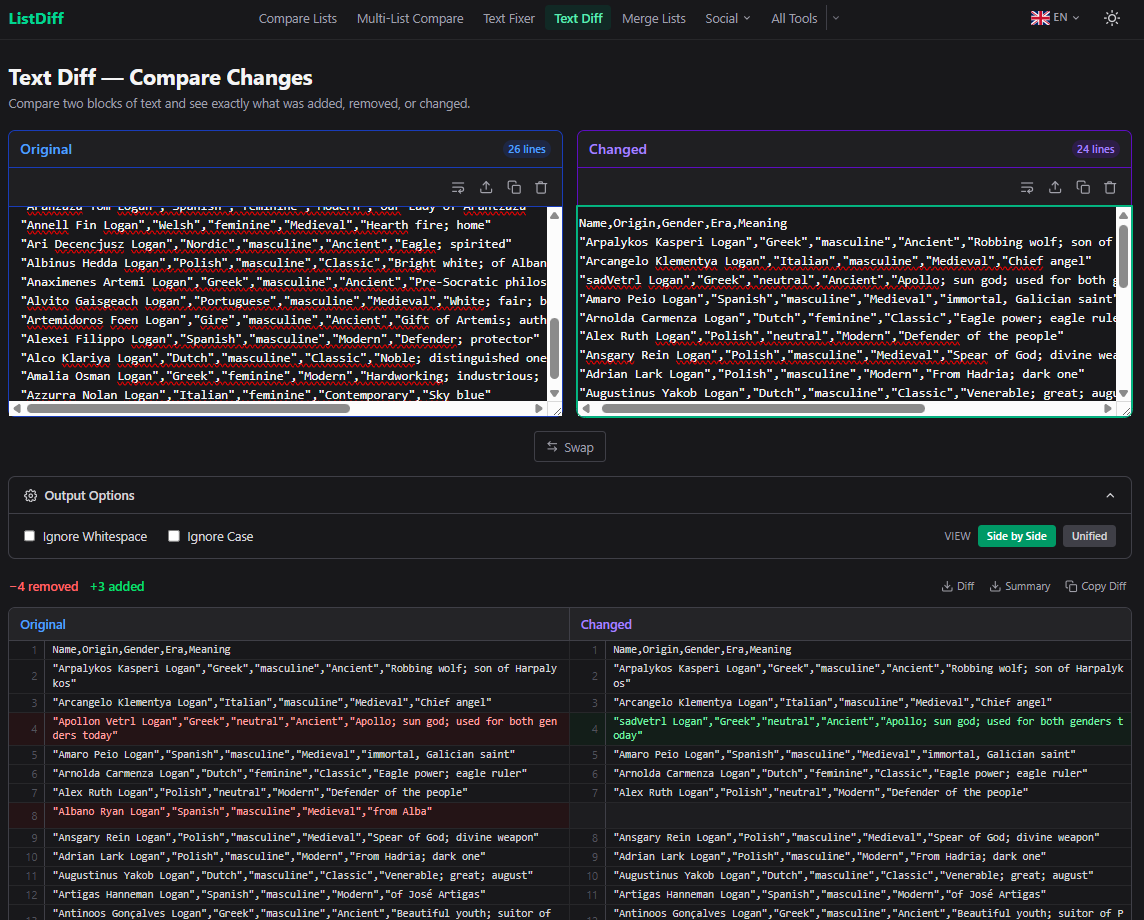
- Text Diff — Visual line-by-line diff with side-by-side and unified views. Download as a standard diff file or a categorised summary.
- Text Fixer — Deduplicate, trim, sort, number, prepend/append, split on delimiters, delete before/after a marker — all in one pipeline.
- Invisible Character Detector — Reveals hidden tabs, non-breaking spaces, and zero-width characters that cause "identical" lines to not match. The #1 invisible frustration with list tools.
- List to Format Converter — Convert a plain list into SQL IN clauses, JSON arrays, Markdown bullets, HTML lists, CSV, and 16 more developer-ready formats.
- Column Compare — VLOOKUP-style matching: join two CSV/TSV datasets on a key column and see what matched, changed, or is missing from each side.
- Zip / Merge Lists — Stack, zip, weave, row-join, or coalesce multiple lists. Includes a reverse Split tab.
- List Data Cleaner — Standardise dates, strip currency symbols, fix decimals, replace nulls, remove blank lines.
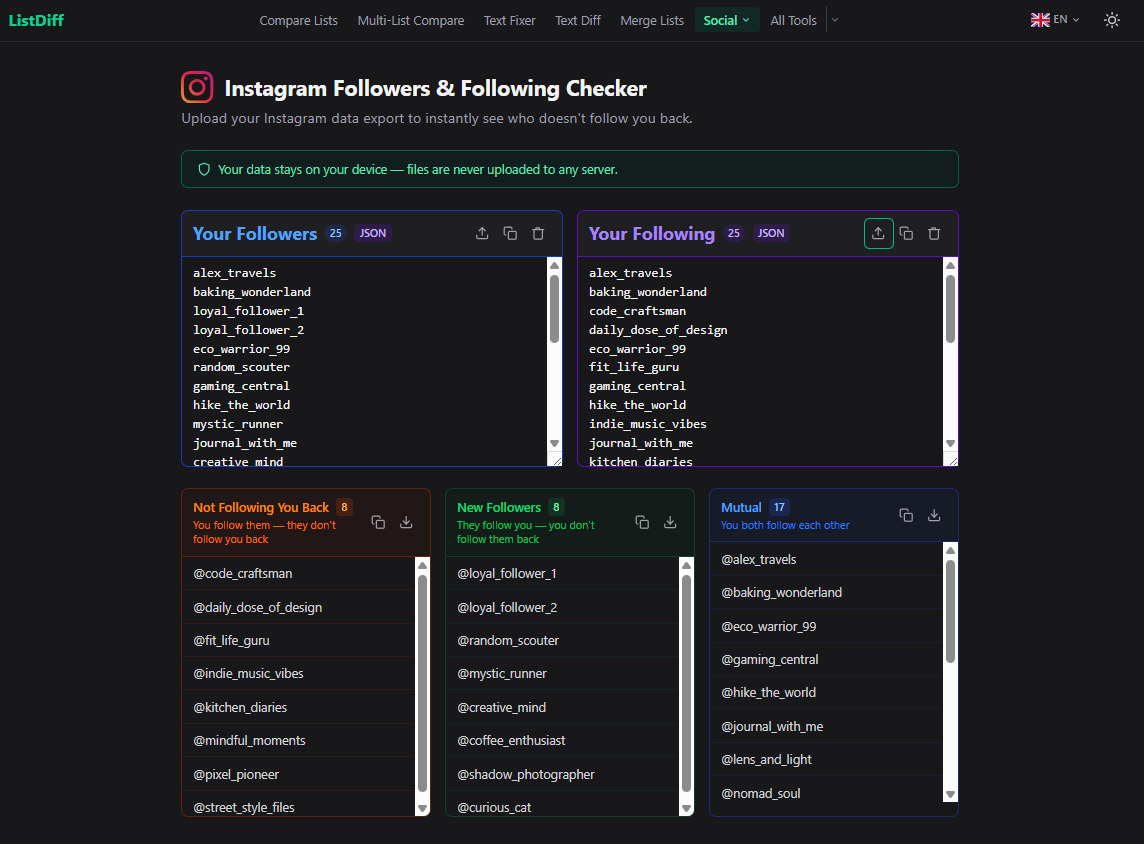
- Instagram & TikTok Follower Checkers — Upload your data export to instantly see who isn't following you back. Supports both old and current export formats.
- CSV Splitter / Joiner, Columnizer, Column Extractor — Tools for cleaning and restructuring delimited text.
What Makes It Different
- Instant, client-side processing — no server round-trips, works offline after load, your data never leaves your browser
- 19 languages with native-language URL slugs
- Options persist — settings are saved in localStorage and survive a page refresh
- File upload and drag-and-drop on every input panel
- Dark mode built in
- No sign-up, no account, no cost
Who It's For
- Developers — convert lists to SQL IN clauses, JSON arrays, or regex alternations in seconds
- Data analysts — compare exports, deduplicate, clean messy data, find discrepancies between datasets
- SEO professionals — compare keyword lists, clean crawl exports, diff URL sets
- Social media managers — check who unfollowed you on Instagram or TikTok without third-party apps
- Excel / spreadsheet users — do the comparisons and transformations Excel makes awkward