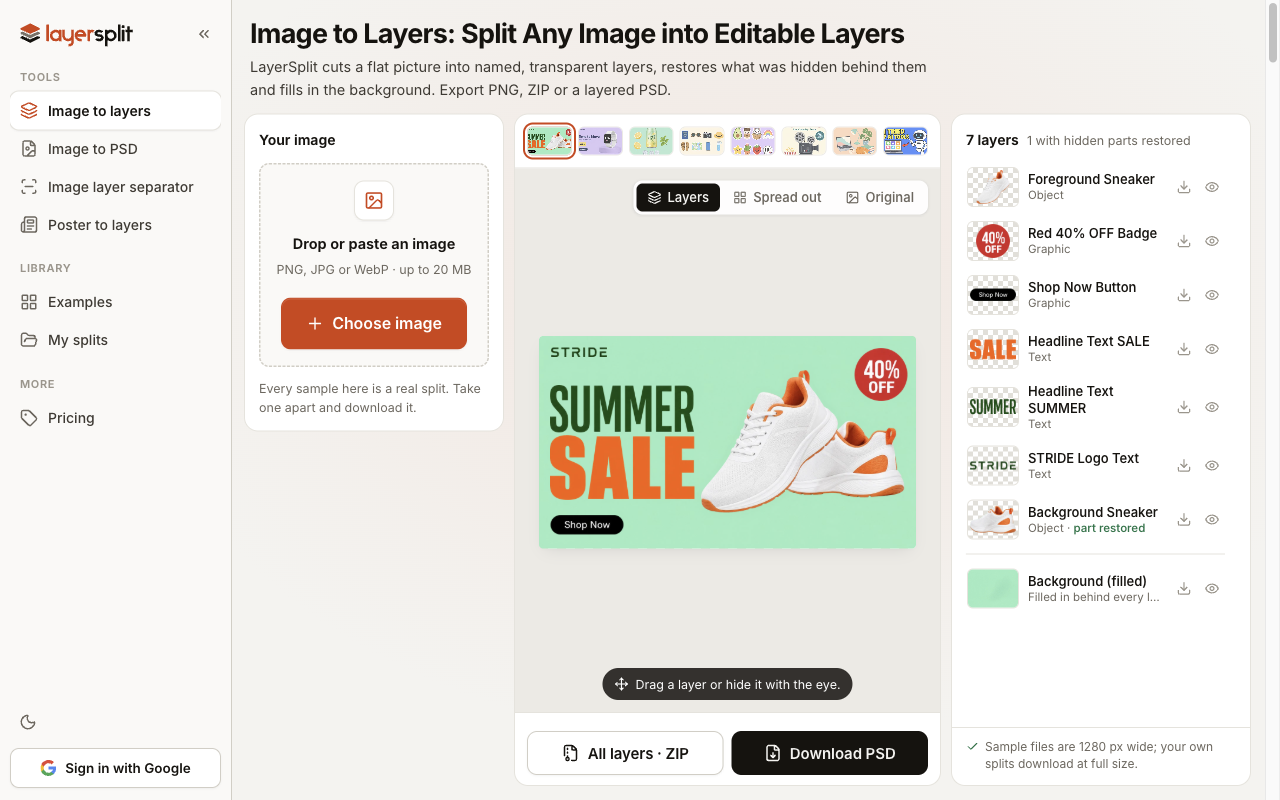
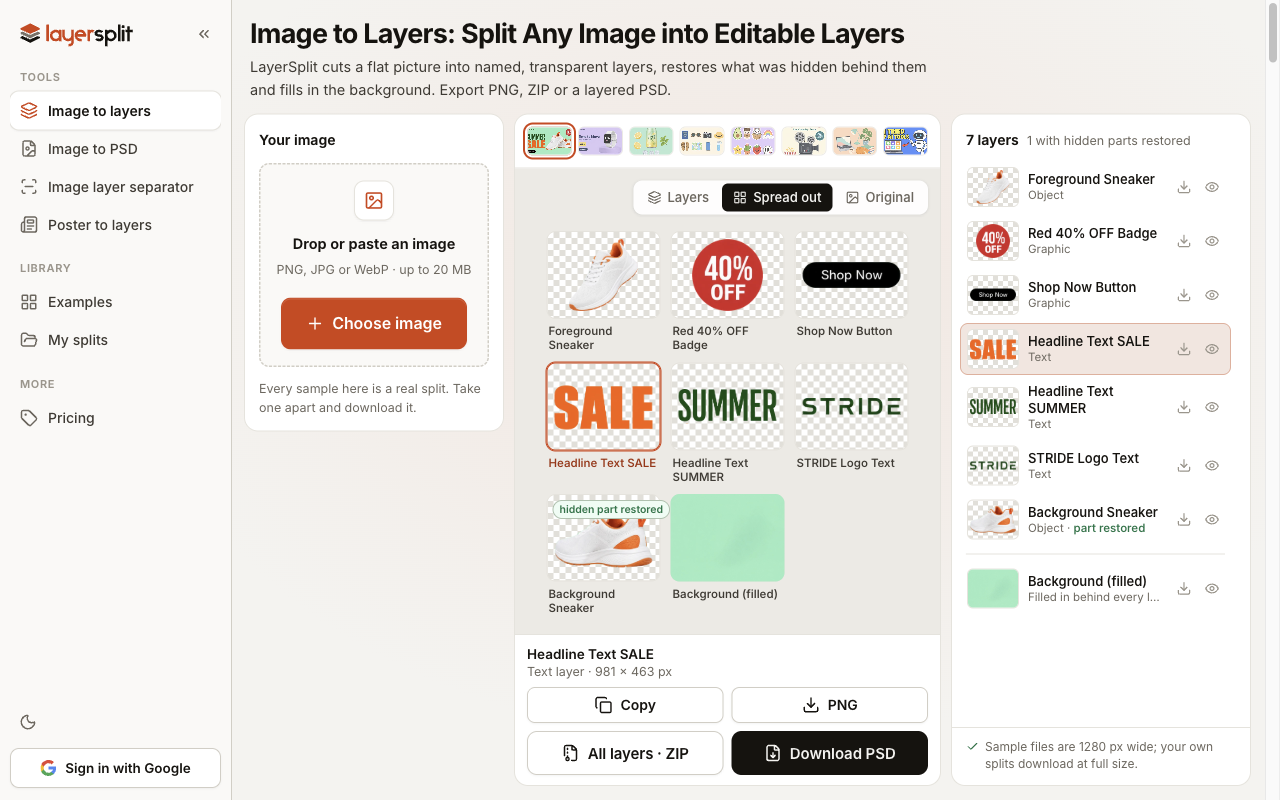
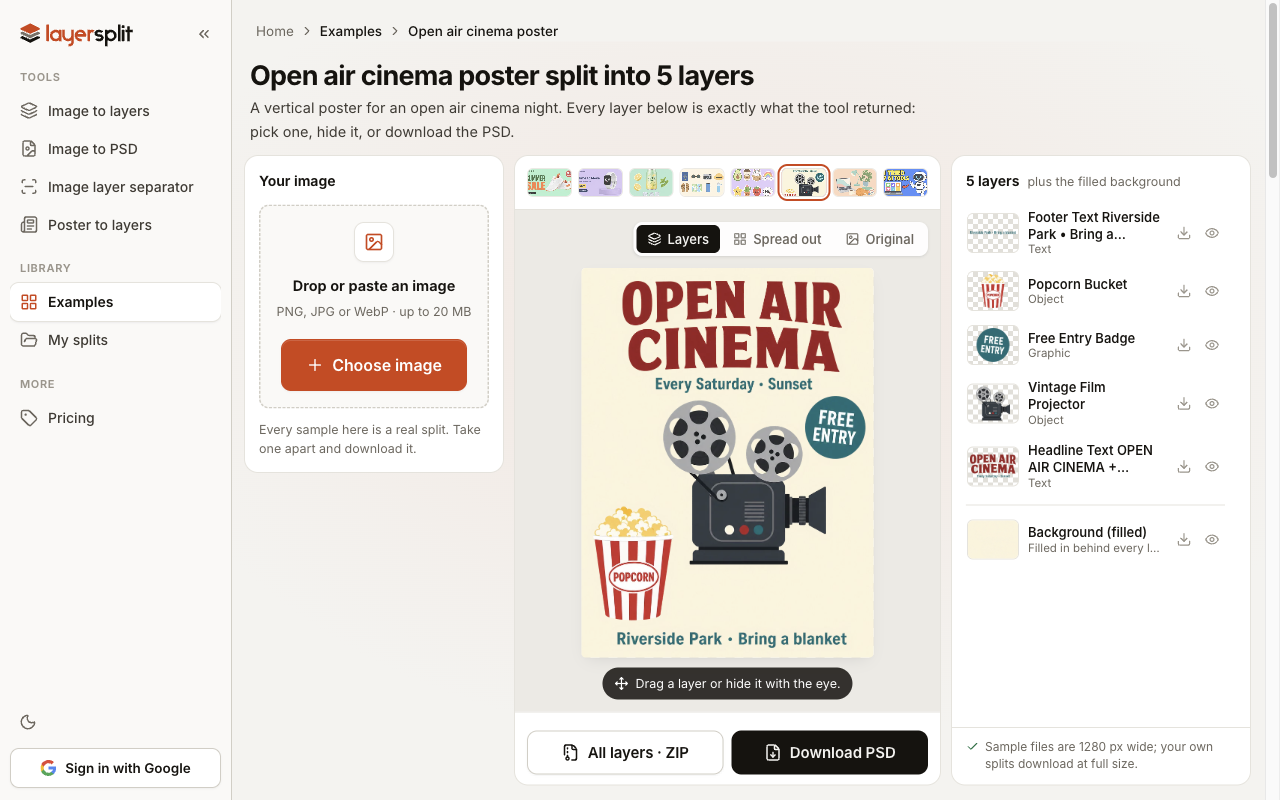
LayerSplit takes a flat picture, such as a banner, a poster, a product shot or an AI image, and cuts it into named, transparent layers. Parts of objects that were hidden behind other objects are restored, and the background behind every layer is filled in, so moving or deleting a layer leaves no hole.
Key features:
- Every element on its own named, transparent layer
- Hidden parts of overlapping objects are restored
- The background behind every layer is filled in
- Download one PNG layer, a ZIP of all layers or a layered PSD that opens in Photoshop, Photopea and Affinity Photo
- Eight real sample splits to explore and download without an account
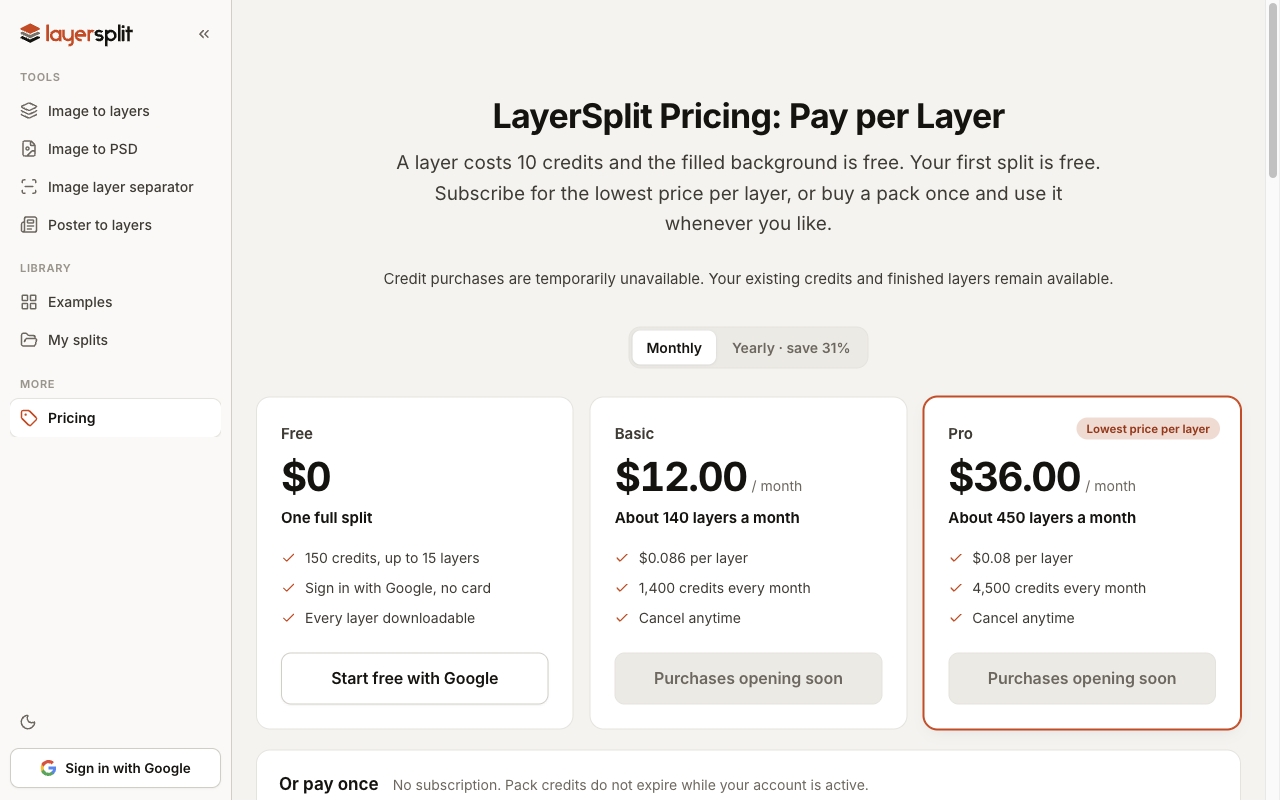
- Pay per layer: 10 credits each, the filled background is free
Use cases: reuse one element from a picture, edit an AI-generated image without generating it again, rebuild a lost source file from an exported banner, and change the words or the price on a poster or an ad for another market. Text comes back as an image layer, not as editable type. The first split is free: a Google account starts with 150 credits, no card needed.