InvertPics is a fast, free, and privacy-first online tool that lets you invert image colors, flip horizontally/vertically, or create mirror effects — all directly in your browser. No files are uploaded to any server, ensuring your images stay completely private and secure. Whether you’re correcting scanned film negatives, creating artistic “negative” effects, or preparing images for design projects, InvertPics delivers instant results with zero setup. Simply drag and drop your JPG, PNG, or WebP file, choose your effect, and download the processed image in seconds. Key Features: Color Inversion: Turn black to white, red to cyan, blue to yellow — perfect for negatives or creative effects. Flip & Mirror: Horizontally or vertically flip images for layout adjustments or artistic composition. Browser-Based Processing: All edits happen locally — no uploads, no signups, no data stored. Supports Multiple Formats: Works with JPG, PNG, and WebP files. High-Quality Output: Maintains original resolution and detail after processing. Who It’s For: Photographers & Designers: Correct film scans or create stylized visuals. Students & Educators: Use for science projects or visual learning aids. Content Creators: Add unique effects to social media posts or videos. Anyone Needing Quick Edits: No software installation required — just open and go. Free, fast, and fully private — InvertPics is your go-to tool for instant image transformations.
InvertPics
Instantly invert colors, flip, or mirror any image — 100% free, private, and runs in your browser. No upload needed.
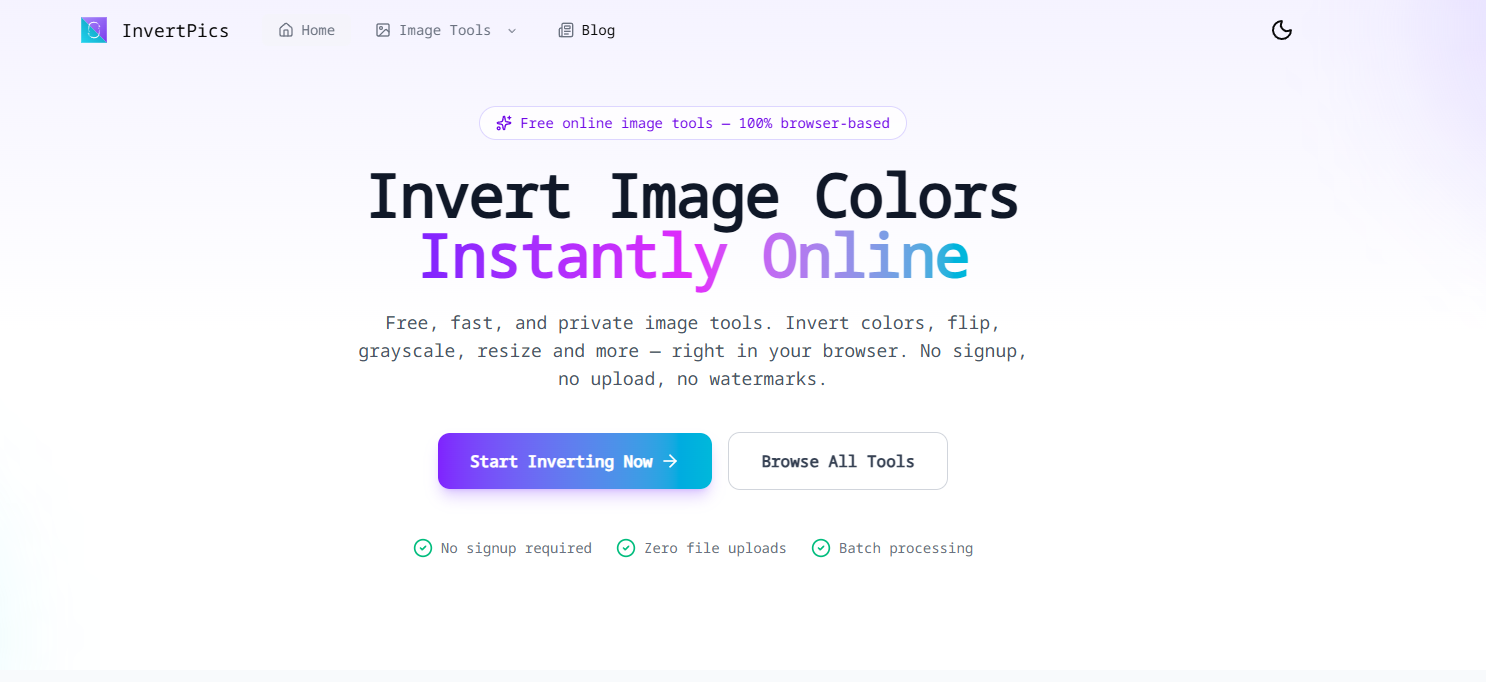
InvertPics Introduction
Alternative tools








More about InvertPics
PricingFree
Platforms
Web
ListedOct 06, 2026
Authority Badge
Showcase your credibility by adding our badge to your website.